You arrived at gate 47 with snacks and two passports, plus the cocky belief that airplane Wi-Fi would behave. It will not.
A Facebook downloader quietly becomes the small, unglamorous hero of every transatlantic seat with a flickering seat-back screen.
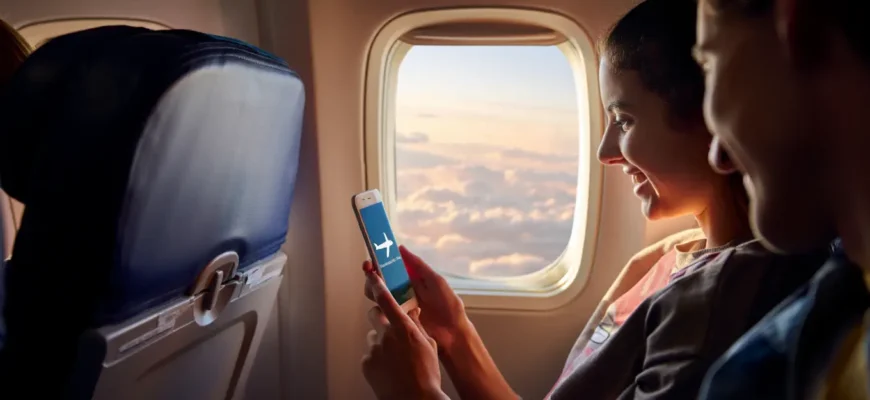
The plan is simple. Save Facebook content before takeoff. Watch it later when the plane is somewhere over Greenland and the in-flight entertainment glitches mid-Pixar.
What offline travel viewing rescues actually
Cell service evaporates fast over open ocean and the kind of small island where the goats outnumber the routers.
Saved videos refuse to drop out at 35,000 feet. They will not buffer mid-clip or demand another login screen.
Travel groups on Facebook hold gold most tourists ignore. Local hosts post short reels of hidden coves and back-alley noodle counters that close at 4 pm sharp.
How to use a Facebook downloader before you board
- Open the Facebook post containing the video, reel, or story you want to keep.
- Tap the share menu and copy the video link to your clipboard.
- Paste the URL into the input field at fGet on any web browser.
- Pick your preferred format, such as MP4 for video or MP3 if you only want the audio.
- Press the download button, wait a few seconds for server-side processing, then save the file to your camera roll or default download folder.
The whole flow runs in your browser. There is no software install and no registration step at the boarding gate.
How offline travel options compare
| Method | Cost | Setup time | Works without an account |
|---|---|---|---|
| Streaming app downloads | Monthly subscription | App install plus login | No |
| Screen recording on phone | Free | Takes the full clip length | Yes |
| Web-based Facebook video downloader | Free | Paste link, hit download | Yes |
| Saving inside the Facebook app | Free | Still needs data to play back | No |
Most travelers underrate a browser-based FB video download tool until they sit on a tarmac in Reykjavik for two hours with a phone showing one signal bar.
A direct Facebook download arrives clean, with no watermark stamped across the footage, because the file pulls straight from the original source instead of a screen recorder.
What this earns you on the road
Saved clips become a private travel library. You queue cooking reels from Naples and hostel walkthroughs from Hanoi.
You finally watch the bus-stop directions your friend filmed in Cusco before her phone died at the worst possible moment.
HD quality holds up on a laptop screen. MP4 files play back on tablets and old iPads that your seatmate keeps handing their toddler at hour seven.
Tools like fGet work on desktop browsers and across mobile devices with no daily download cap. Privacy stays intact since the service does not store user data.
One last move before you taxi
Open the Facebook groups you joined for this trip. Save the videos you flagged weeks ago and forgot about during the booking chaos.
A quick visit to fGet takes a minute and protects you from a 14-hour layover in Doha with nothing to watch except a duty-free perfume ad on loop.
Bring a charger and snacks worth being seen with. Save a small stack of Facebook videos before takeoff. The seat-back screen will surrender somewhere over the Atlantic, and you will be ready.