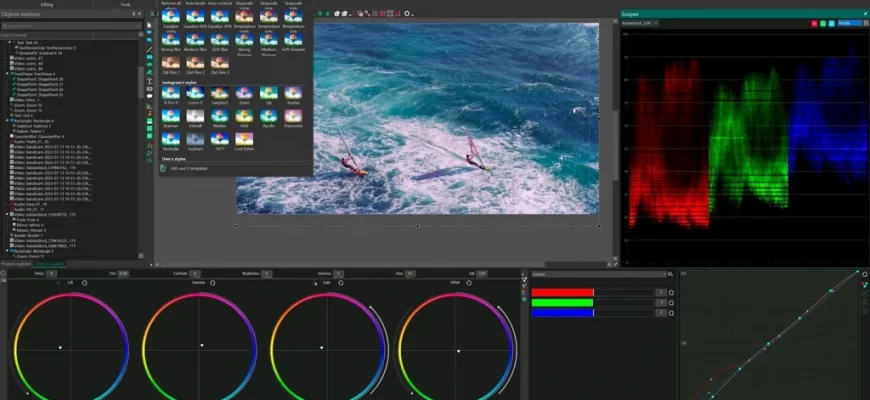
Are you looking for a reliable, versatile, and affordable video editor for your projects? Then you should check out VSDC Pro, a program that allows you to create and edit videos of any complexity on Windows computers. VSDC Pro has many advantages, which we’ll discuss in this article.
Main features of VSDC Pro
VSDC Pro is not just a video editor, but a whole set of tools for working with video. With its help, you can:
- Capture video from your screen, webcam, or other devices.
- Edit video in non-linear mode, add and delete scenes, change the order and duration of fragments.
- Apply various effects and filters to video, such as color correction, masking, motion tracking, chroma key, and more.
- Add text, images, sound, animation, and other elements to your video.
- Export video in a variety of formats and resolutions, including 4K and HD.
- Burn videos to CD, DVD, or Blu-ray disks.
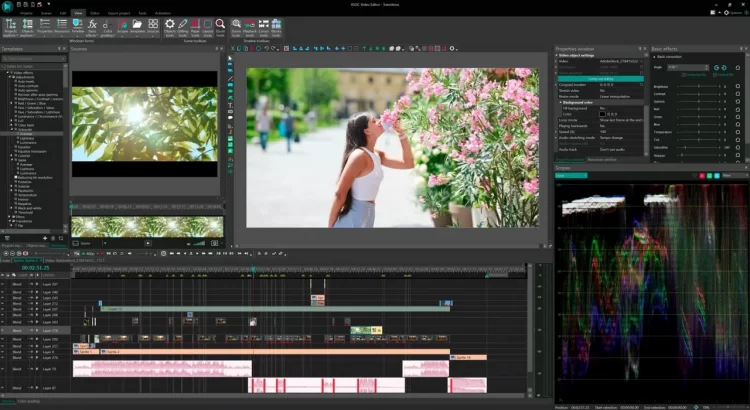 Advanced features of VSDC Pro
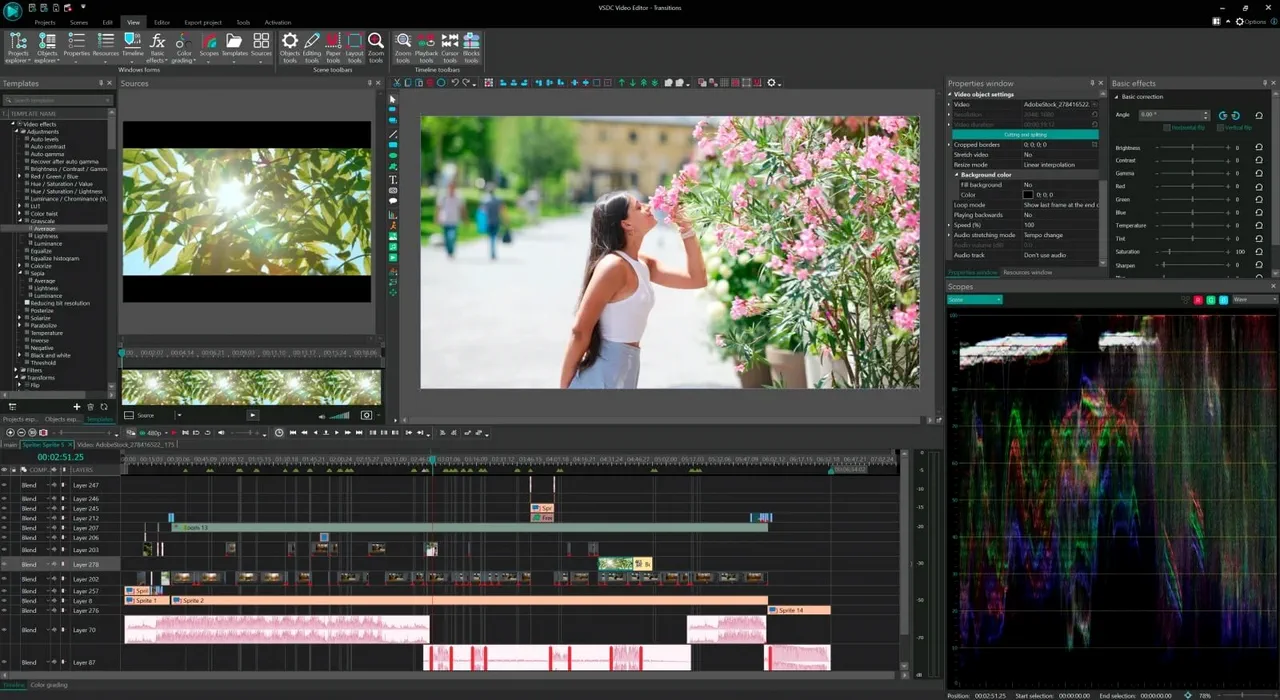
VSDC Pro sets itself apart from other video editors with its unique features that allow you to create professional and creative videos. Some of them are:
- Motion tracking. This feature lets you analyze the trajectory of any moving object in the video and assign the same trajectory to any other object you’ve added to the scene. This way, you can censor faces or license plates, add dynamic captions or emojis to objects, or create memes.
- Edit by Beat. This feature allows you to synchronize any effect parameter with the sound of a beat. You can create a dynamic audio spectrum, music visualization, text that “dances” to the beat, or any other musical animation.
- AI Art Generator. This feature allows you to turn your video into a work of art using artificial intelligence. You can choose one of the styles of famous artists, such as Picasso or Van Gogh, and apply it to your video. The result will look like a real painting.
How to download and use VSDC Pro
VSDC Pro is a paid version of the free video editor VSDC Free Video Editor. You can download both versions from the official website [VSDC]. To activate VSDC Pro, you need to purchase a license key on the website or inside the program. The license is valid on one computer for one year or for life.
To get started with VSDC Pro, you need to import your video into the program, select the editing mode (linear or non-linear), and add the necessary elements to the scene. Then you can apply various effects and settings to your video using the toolbar or the context menu. When you’re done editing, you can export the video in a desired format or burn it to a disk.
VSDC Pro is a great choice for anyone who wants to create high-quality and original videos on their computer. Download VSDC Pro today and see for yourself!